
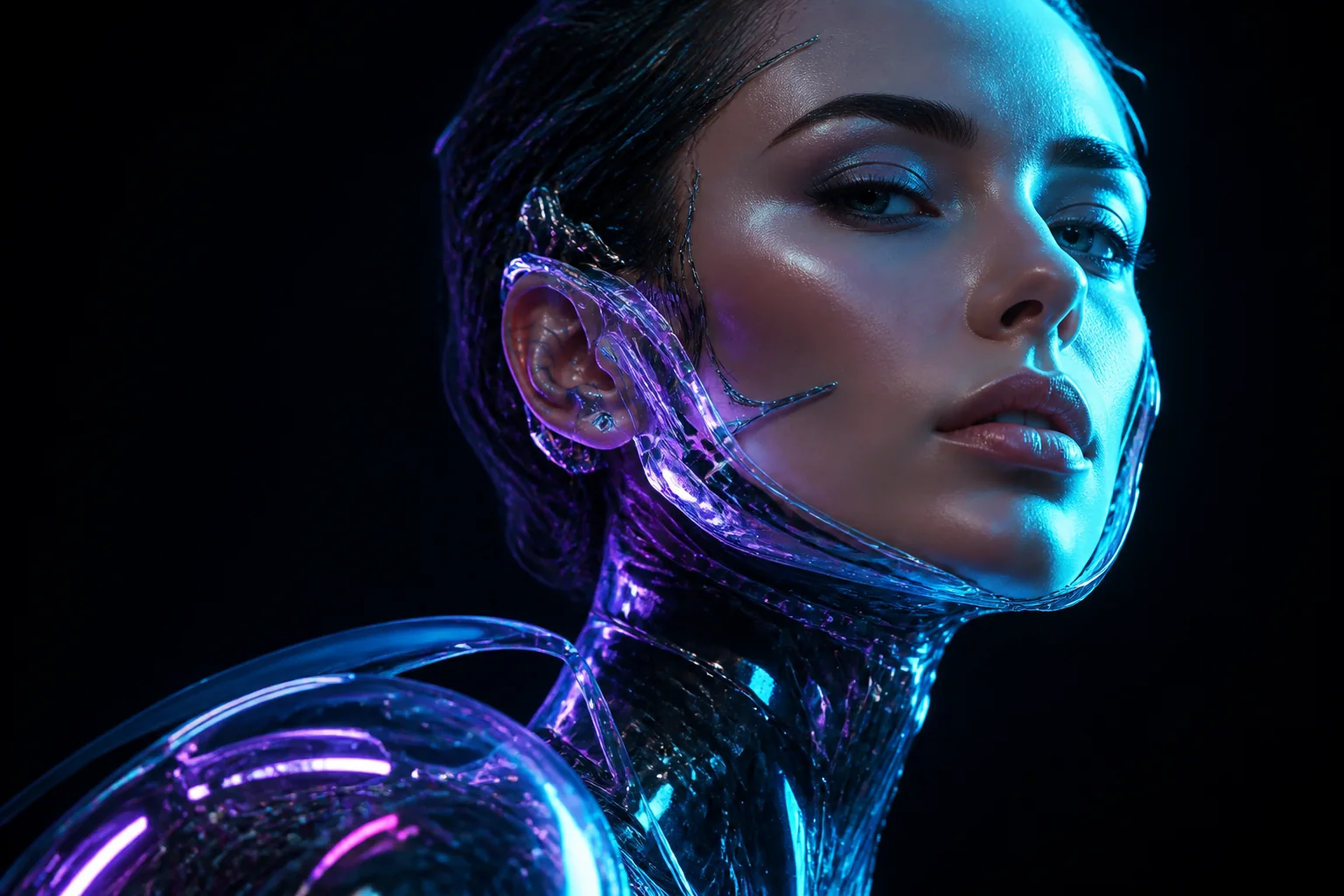
Text to image
Generate images from text
Type a description and generate an original image ready to refine or download.
Free AI image and video generator
Turn text into AI images and videos, or animate a photo — right in your browser.
AI Model
Optional audio reference
MP3, MPEG, or WAV, up to 10 MB. Fast does not support M4A.
Aspect Ratio
Video Quality
Video Duration
4s – 15sWhat you can create
Describe your idea and turn it into an image, short clip, or animated scene.
Type a description and generate an original image ready to refine or download.

Turn a sentence into a short clip you can download and share.
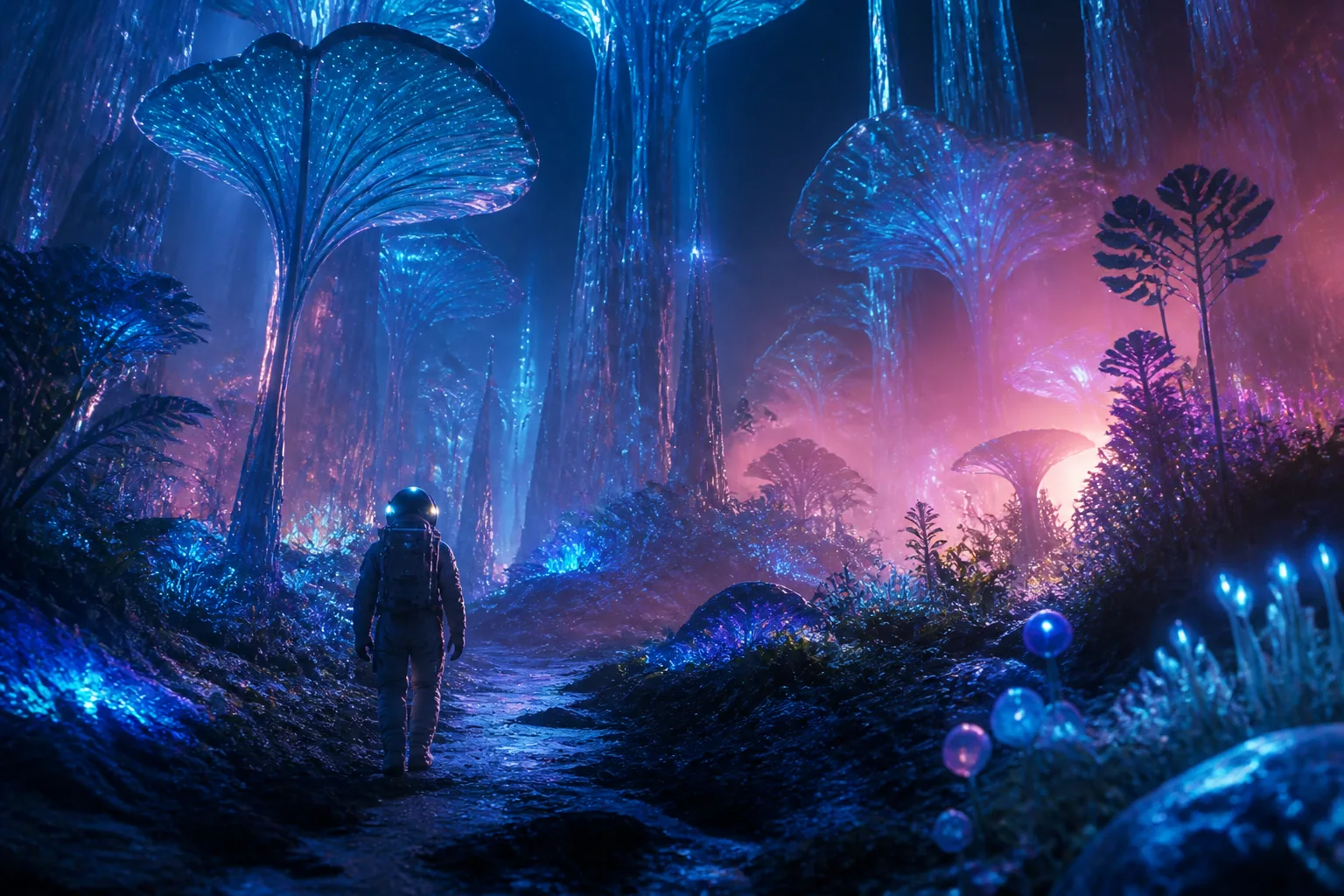
Add movement to a still image while keeping its style and subject.
How it works
No design skills. Just describe, generate, and download.
Choose to generate a video from text, animate an image, or edit a photo.
Tell the AI what you want in plain words — the subject, style, and mood.
Preview the result, tweak your prompt if needed, and save your image or video.
Creative controls
Generate, animate, and edit visuals in one place.
Describe an image and generate a detailed result in your selected format.
Turn a short description into a clip you can download and share.
Add motion to a photo and keep its style, subject, and colors.
Adjust details, pick a format, and export your visuals ready to use.
Start with free daily credits, then upgrade to a plan that matches your creative output. Credits work across image generation, video generation, and AI image editing.
Perfect for getting started with AI image and video generation
Includes:
For teams and high-volume creators
Everything in Pro, plus:
For regular creators who need more output
Everything in Basic, plus:
Explore practical ways creators, marketers, and businesses can use InVideo AI for everyday visual work.
Turn a written brief into visual directions for characters, environments, lighting, and composition.
Transform a short prompt into a video concept, then adjust the direction and regenerate variations.
Create related images and motion concepts for social campaigns without switching between separate generators.
Explore product scenes, campaign visuals, and short promotional concepts from the same creative brief.
Generate product-focused compositions, test different visual directions, and prepare assets for listings or promotions.
Upload an image, describe the change you want, and generate revised versions for review and refinement.
Straight answers to the most common questions about InVideo AI.
InVideo AI is a free AI image and video generator. It brings text-to-image, text-to-video, and image editing together in one browser-based tool you can start using right away.
Yes. Every user gets free credits daily—enough to generate images and videos without paying. Paid plans unlock more credits, priority processing, and commercial rights, but there's no paywall to start.
Generation time varies by model, mode, queue, duration, and output settings. Images are usually ready sooner, while videos may take several minutes. Paid plans include priority queue access.
Both. Describe a scene and InVideo AI produces a short video clip. You can also upload an image to animate. Both modes work in the same interface.
Anything you can describe. Photorealistic, anime, character design, product photography, cinematic—choose a preset style or let the AI interpret your prompt naturally.
None. Describe what you want in plain English and the AI does the rest. No Photoshop or editing experience needed.
Yes. Upload an image, describe the changes you want, choose the available settings, and generate a revised version with InVideo AI.
Images as PNG or JPEG at high resolution. Videos in standard formats ready to share.
Each generation costs credits. Free users get a fresh batch daily. Paid plans offer larger monthly or yearly allowances. One-time packs never expire.
Yes. The web app works on any mobile browser. Generate from your phone—no app download needed.
InVideo AI combines image generation, video generation, and editing in one free tool. Instead of switching between apps, you can create, animate, and refine a visual in a single place.
It combines AI image generation, video generation, image-to-video, and prompt-based image editing in one browser-based workflow.
Ready to Create with InVideo AI?
Start with InVideo AI's image and video tools and turn your next idea into a visual you can refine and download.